

Reference

go555 App: Lobby in Your Pocket

The go555 app puts live tables, slot rooms and sports betting — including Liga 1 markets — inside your phone browser, no waiting around.

mobile browser accessaccount wallet readyavailability check supporteddevice loginlobby on demand
go555 go555 App: Lobby in Your Pocket
go555 Mobile Access in 3 Steps

Mobile Access in 3 Steps

Getting into go555 on mobile is straightforward — no app store search required. Start by opening the current go555 address in your phone browser; Chrome on Android and Safari on iOS both work cleanly with the mobile layout. Once the site loads, check that your browser is up to date — an outdated browser can block the live casino stream for titles

like Live Baccarat Salon or Andar Bahar Live. Then sign in using your account credentials or use the fingerprint option if you have already set it up. If go555 releases a dedicated native build, the download path will appear inside your account dashboard — that is the only place we confirm app availability, so skip third-party APK sources entirely.

  • Open go555 — Type the address directly in your phone browser. Avoid third-party links to make sure you land on the current build.
  • Check browser compatibility — Use an updated version of Chrome or Safari. Outdated browsers can interrupt live-stream sessions and block the fingerprint login prompt.
  • Sign in securely — Enter your account credentials or use fingerprint login if already registered. Your wallet balance and session history load immediately after.
  • Verify native app availability — If a dedicated app build is available, the download link shows inside your account dashboard. We do not distribute APK files through external channels.
go555 Slots, Live Tables and Betslip on the Go

Slots, Live Tables and Betslip on the Go

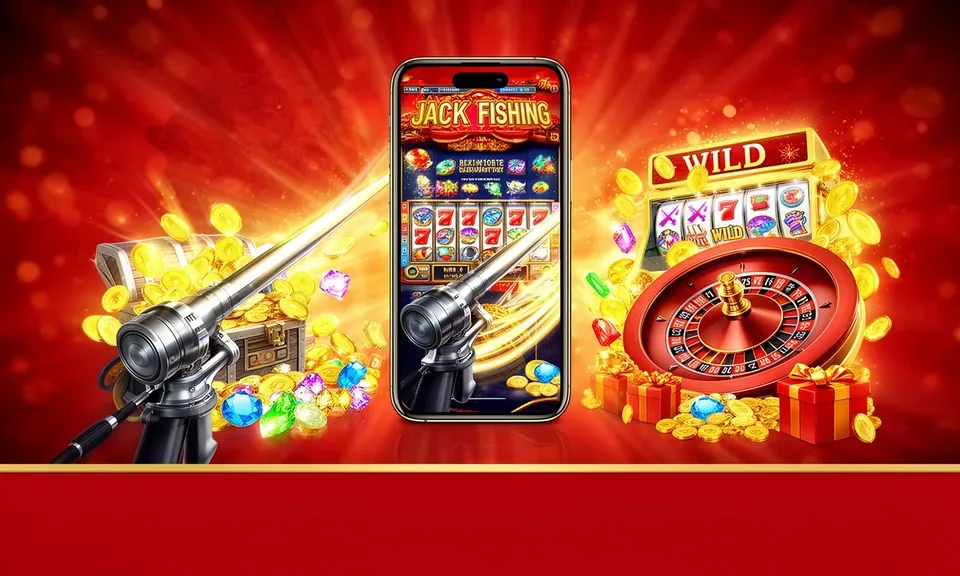
Open go555 on your phone and the lobby loads with live casino tables like Live Baccarat Salon, crash rooms featuring Aviator, and slot titles including Krakatau Blast Slots and Gates of Olympus. The app experience adds push notifications so you know when a session is live, a quick deposit shortcut that takes you straight to your DANA, OVO or GoPay wallet flow,

and fingerprint login so you skip the password screen entirely. Switching between the sportsbook and slot rooms takes one tap — no page reload, no re-authentication. Your account balance stays visible across every section.

APP FEATURE BREAKDOWN

Four Things the App Does Differently

These features are specific to the mobile app layer — they change how fast you move through your account and how the lobby feels on a small screen.

Fingerprint Login Skip the password screen every visit. Register your fingerprint once in account settings and the app verifies you at device level, straight into the lobby.
Push Notifications Opt in to session alerts and the app pings you when a live table round opens or a slot feature triggers — so you never miss a moment you actually wanted.
Dark Mode Display The app respects your phone's system dark-mode setting. Low-light sessions on live baccarat or Aviator are easier on the eyes without adjusting anything manually.
Offline Lobby Preview Lost signal? The lobby tiles cache locally so you can browse game cards and check your last session details even when your connection drops briefly.
DEVICE AND ACCOUNT FIT

Check Your Device Before You Start

Not every setup runs the mobile lobby at full quality. Here is what to confirm before your first session on the go555 app.

01

Browser access

Chrome and Safari are confirmed compatible. Firefox and Edge work for slots but may show reduced frame rates on live dealer streams like Live Baccarat Salon.

02

Screen layout

The mobile layout is designed for screens from 5 inches upward. Landscape mode is recommended for crash games like Aviator and for the live table view.

03

Account requirements

You need a verified go555 account to access any part of the lobby. Wallet verification — confirming your DANA, OVO or GoPay account — unlocks deposit and withdrawal flows.

04

Supported device check

Head to the support section inside your account to see currently supported device types. We update this list when compatibility changes, so check there rather than relying on external sources.

05

Connection quality

Live dealer titles from Evolution and Pragmatic Play require a stable connection. A 4G or Wi-Fi connection is strongly preferable; weak 3G will affect stream quality noticeably.

What People Ask About the go555 App

These are the questions we hear most from people getting started with go555 on mobile — straightforward answers, no filler.

A dedicated native build may or may not be listed in app stores at any given time. Check your account dashboard on go555 for the current download status — that is the authoritative source.

Yes. The mobile browser version includes a quick deposit shortcut that connects to your DANA, OVO or GoPay wallet flow. Wallet verification is required before your first deposit.

After logging in with your password once, go to account settings and enable biometric login. The app then uses your device fingerprint sensor for all future sessions.

Live dealer streams from studios like Evolution and Pragmatic Play need a stable connection. Switch from 3G to 4G or Wi-Fi and make sure your browser is fully up to date.

No. We do not distribute APK files through external channels. If a native app is available, the only legitimate download link appears inside your verified go555 account dashboard.

Access depends on local law and is available in eligible regions where local law permits. Open go555 from your browser to check current availability in your area.
Reference

go555 App

Service availability depends on eligible regions and local law. Users should check local rules before opening an account.

Access may be available only where local law permits.